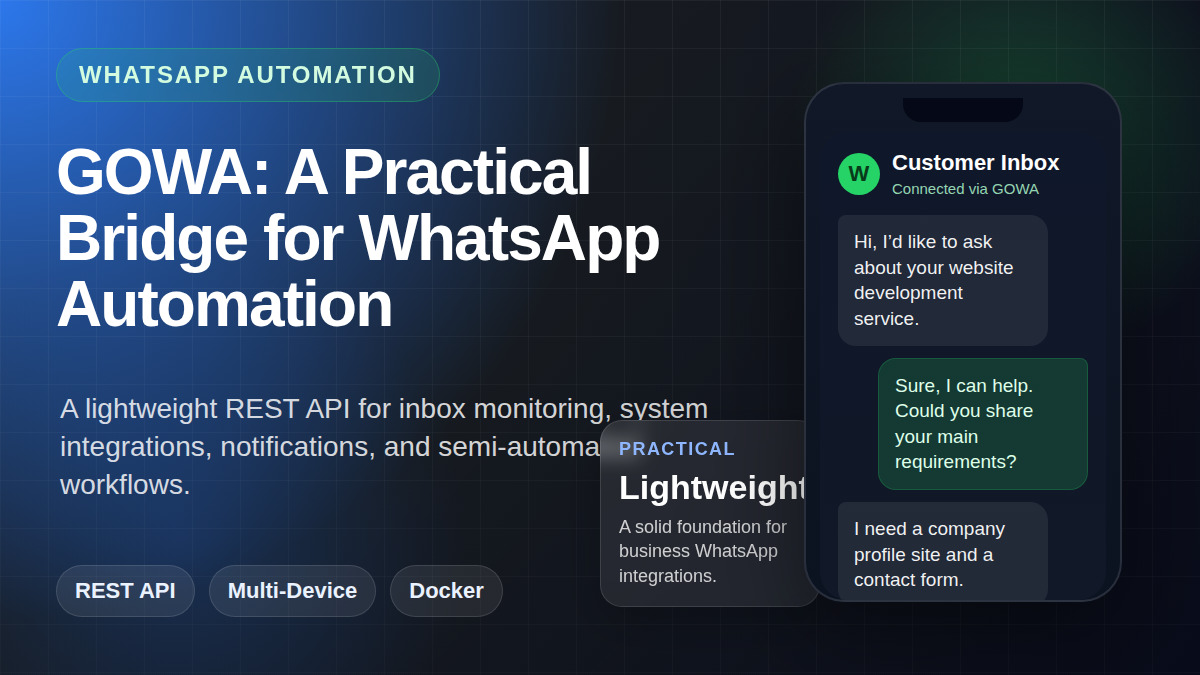
GOWA: A Practical Bridge for WhatsApp Automation

WhatsApp has become a primary communication channel for many businesses in Indonesia and beyond. The problem is that once message volume starts growing, manual workflows quickly become exhausting: checking chats one by one, reading conversation context repeatedly, copying similar replies over and over, and keeping track of follow-ups that are easy to miss. This is the point where automation starts to matter—not to replace humans entirely, but to make the workflow more organized, faster, and more consistent.
One interesting solution for this is GOWA (go-whatsapp-web-multidevice). In simple terms, GOWA acts as a bridge that exposes a multi-device WhatsApp session through a REST API. With this approach, WhatsApp is no longer limited to the mobile app or browser interface. It can be connected to other systems: internal dashboards, monitoring bots, operational notifications, and semi-automated customer service workflows.
What Is GOWA?
GOWA is an open-source project written in Go that wraps WhatsApp Web Multi-Device capabilities into a service that is much easier to integrate. Instead of dealing directly with more complicated low-level messaging logic, developers can work with familiar HTTP endpoints.
This brings several practical advantages:
- Easier integration with internal tools
- Suitable for light to medium automation
- Can run locally with Docker
- Supports multi-device, making it relevant to modern WhatsApp architecture
- Flexible for monitoring, assisted replies, notifications, and business workflows
In other words, GOWA is not just “a tool to send messages.” It is an integration layer between WhatsApp and the operational systems you want to build around it.
Why This Approach Is Interesting
Many small and medium businesses do not immediately need a huge and complex system. What they often need first are practical improvements such as:
- knowing when a new message comes in without constantly opening WhatsApp,
- reading customer chat context from a more structured interface,
- sending template-based replies more quickly,
- performing lightweight follow-ups,
- or connecting inbound messages to internal workflows.
GOWA is interesting because it sits in the middle: more programmable than plain WhatsApp usage, yet lighter and faster to implement than building a large messaging platform from scratch.
GOWA’s Core Capabilities
From an implementation perspective, GOWA provides a useful set of endpoints for day-to-day operations.
1. Connection and device management
You can check application status, list devices, log in, log out, reconnect, and monitor the connection state of each device. This matters because WhatsApp automation without connection visibility is fragile.
2. Contacts, groups, and user info
GOWA provides access to contacts, groups, WhatsApp number validation, and user information. This is useful for lead validation, segmentation, or lightweight identity checks.
3. Reading chats and conversation history
For customer support or inbox monitoring, the ability to read chat lists and recent messages is foundational. From there, a system can detect who sent the message, what they said, and what the recent context looks like.
4. Sending different message types
Beyond plain text, GOWA supports sending links, contacts, locations, images, files, videos, audio, and stickers. That makes it far more useful than a minimal text-only bot.
5. Multi-device awareness
In setups with more than one number or account, the use of device_id helps keep operations clear and separated.
The Most Practical Use Cases
Not every WhatsApp automation project needs to become a “smart chatbot” right away. In many real-world cases, the most effective model is actually semi-automated.
Here are several realistic and high-value use cases:
Inbox monitoring
A system can watch for recent incoming messages and present a summary to the operator. This is useful for business owners who want visibility into new leads without manually checking WhatsApp all day.
Draft reply assistant
Instead of fully automatic replies, the system can read the context and generate a reply draft. An operator then reviews and sends it. This model is much safer for businesses that do not yet have mature SOPs.
Operational notifications
Certain messages can be forwarded into dashboards, Telegram, email, or internal tools. For example: “a new lead arrived,” “a quote was requested,” or “an old customer followed up again.”
Template-based follow-up
If the business already has clear templates, GOWA can be used to send standardized follow-up messages more consistently.
Number validation and lightweight enrichment
Before doing outreach, a system can verify whether a phone number is active on WhatsApp. It is simple, but useful for keeping a team efficient.
GOWA’s Strengths
There are several reasons why GOWA feels practical for experimentation and early-stage operations.
Lightweight and relatively easy to understand
Because it presents itself as a REST API, the integration model feels familiar to developers. You do not have to start with a heavy, opinionated platform.
Good for local-first setups
GOWA can run locally through Docker. For many internal use cases, that offers better control over deployment and data handling.
Flexible enough to connect with many tools
It can act as the backend for bots, admin dashboards, workflow automation, or AI assistants that help read and respond to chat messages.
Realistic for small-to-medium businesses
Most businesses do not need a giant system on day one. They need something that works, improves visibility, and can grow over time.
Limitations You Should Understand
As promising as it is, GOWA is not magic. There are practical limitations that should be understood from the beginning.
1. It does not replace business SOPs
An API can send messages, but it does not automatically know what is safe or appropriate to say. If your service catalog, pricing, SLA, or business policies are still unclear, automation can create risk.
2. Full auto-reply is not always ideal
It may be technically possible, but that does not always make it a good operational decision. For prospect or customer conversations, a draft/approval model is often safer than fully automatic replies.
3. Integration stability still needs testing
Whether you use polling, WebSocket, or background workflows, real-time messaging integrations always need proper testing. Important technical details often appear only during implementation.
4. Guardrails are necessary
Without guardrails, a system may become too aggressive: replying when it should not, repeating the same message, or misunderstanding context.
A Practical Architecture Recommendation
If the goal is to support business operations, this is usually a healthier architecture:
- GOWA as the WhatsApp connection layer
- A monitoring system to detect recent incoming messages
- A dashboard or inbox tool to inspect context
- Draft replies or templates to speed up responses
- Manual approval for sensitive or high-value cases
With this model, humans still make the final decisions, while repetitive tasks are reduced significantly.
When Is GOWA a Good Fit?
GOWA is a very good fit if you:
- want to connect WhatsApp to internal systems,
- need programmable monitoring of incoming messages,
- want to build semi-automated workflows,
- need number validation and chat reading,
- or are building an operational foundation before moving to a larger inbox platform.
On the other hand, if your primary need is a shared support inbox, agent assignment, labels, analytics, and a more mature team collaboration experience, then a platform like Chatwoot may be the better choice at the application layer.
Conclusion
GOWA is compelling because it offers something very practical: programmable access to multi-device WhatsApp through a lightweight and flexible REST API. For developers, automators, and business owners who want to build their own workflows, that is a strong foundation.
However, the biggest value of GOWA is not simply that it “can auto-reply.” Its real value is in becoming a bridge between WhatsApp communication and a more structured operational system. From monitoring and draft generation to number validation and notification pipelines, it enables workflows that can evolve gradually.
In the end, the best tool is not the most impressive one on paper, but the one that best fits the current stage of your business operations. And for many use cases, GOWA is a very sensible first step.